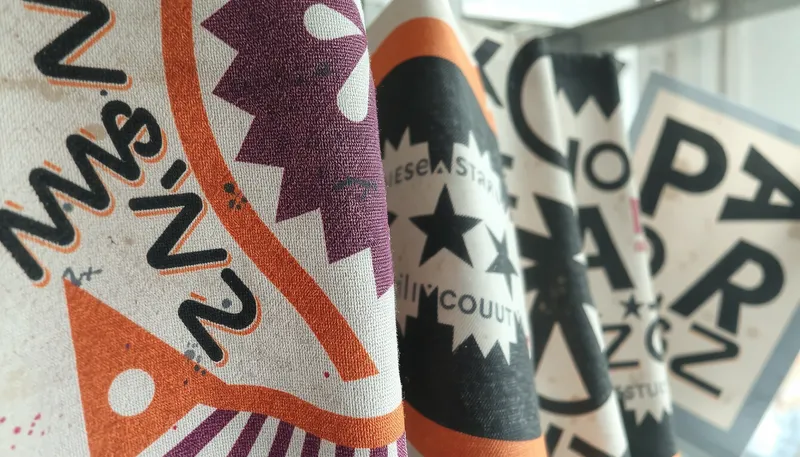
Digital printing defects on fabric are visual quality failures — blurry edges, dot gain, and uneven ink absorption — caused by uneven fabric surfaces and loose fibers, not by low-resolution files. A smooth, tight-interlock knit such as D036 gives each ink drop a flat landing spot for sharp 300 DPI output. It is recommended for brands troubleshooting blurry prints. It is not suitable for loose-weave fabrics without pre-treatment.
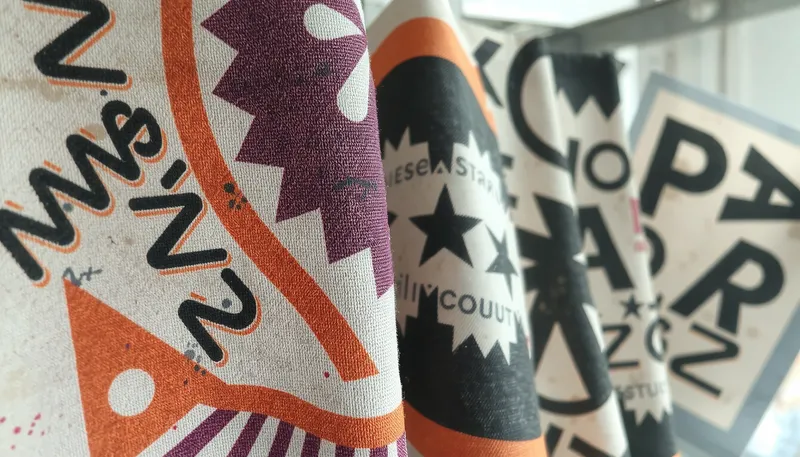
Print buyers tend to check file resolution and printer settings first. The real cause is often overlooked: the substrate itself. In our sourcing experience, high-resolution files have repeatedly printed poorly on the wrong printing surface.
Key Takeaways
- Blurry prints often result from uneven fabric surfaces rather than just low-quality files.
- Loose fibers on rough fabrics make ink bleed and spread. This causes loss of detail.
- A smooth, stable "canvas" fabric is the foundation of sharp printing.
- For light fabrics, choose a stability-engineered knit — interlock is sufficient to prevent warping.
- Always check file quality, printer settings, and workspace conditions to eliminate other common causes first.
The Invisible Problem: Uneven Fabric Surfaces
Uneven fabric surfaces are the dominant cause of digital printing defects — they let ink bleed, expand the dot, and absorb unevenly. The relationship between ink and fabric determines whether edges stay crisp. It is recommended to inspect the substrate before blaming the source file. It is not suitable to skip surface roughness checks in the diagnostic process.
Ink Drops Want a Flat Landing Spot
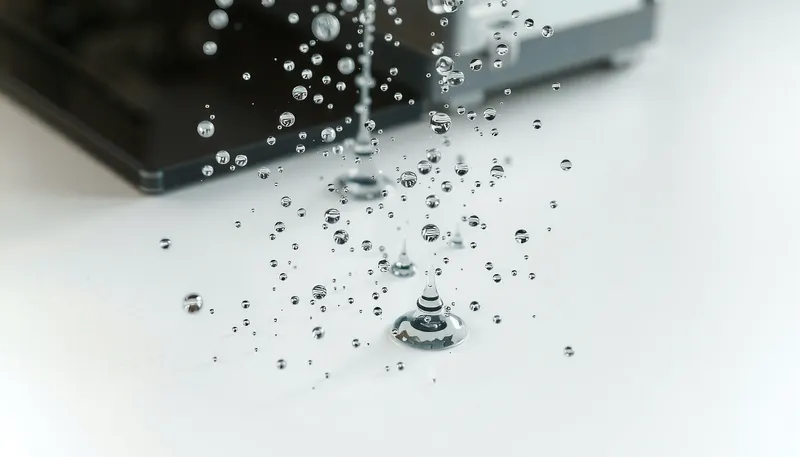
Digital printing fires thousands of tiny ink droplets per second onto the substrate. Each drop must land exactly where directed and stay in place. A flat, stable surface provides that condition; a rough one does not.
The "Sandpaper Effect" on Rugged Surfaces
Imagine drawing a fine line on sandpaper: the pen tip snags in the uneven structure and ink oozes into the fibers. The same happens when printing onto a loose or uneven fabric weave, creating several specific digital printing defects.
- Ink Bleeding: Loose fibers are like a very short straw that pulls ink away from the right spot. As a result, the edges look fuzzy and unclear.
- Dot Gain: The variation in surface roughness makes the ink drop expand when it collides with the surface. So, the dot becomes larger than it should. This darkens the print and takes away the detail.
- Uneven Ink Absorption: The "hills and valleys" in fabric weave absorb ink at different rates. This leads to colors that look spotty or grainy instead of being solid and smooth.
| Surface Type | Print Result |
|---|---|
| Smooth Surface | Crisp lines, high detail, and accurate colors. |
| Uneven Surface | Blurry edges, detail loss, and color issues. |
The "Canvas" Solution for a Sharp Result
The canvas solution is to give the printer a flat, stable, uniform fabric surface — a smooth knit that behaves like a painter's canvas rather than sandpaper. It is recommended for achieving sharp edges and accurate colors. It is not suitable for fabrics with visible surface texture or high loose-fiber density.
Finding Your Prints' "Canvas"
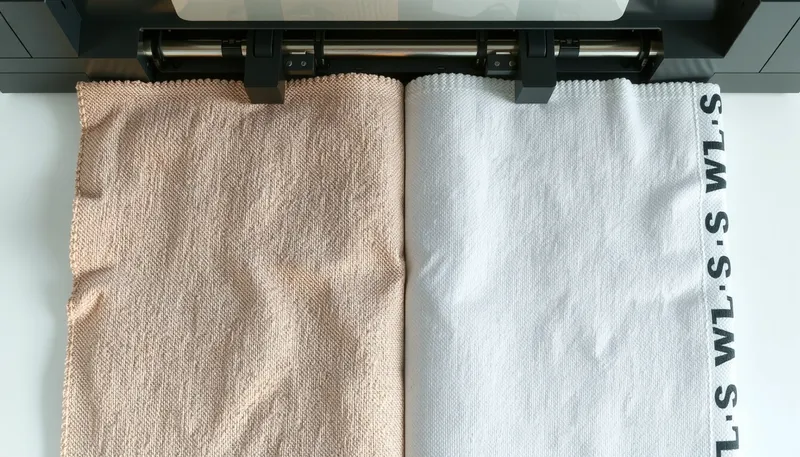
The optimal printing substrate is smooth, stable, and uniform in structure — it creates a consistent target for every ink droplet. Pay attention to three essential characteristics:
- An interlocking weave or knit that is tight.
- A surface that is smooth and clean with very few loose fibers.
- A strong structure that will not curl or stretch while printing.
From Imagination to Materialization
It can be challenging to gain such stability. This is especially true for lighter weights that tend to be less dense and warp easily. Your carefully designed pattern could warp and twist.
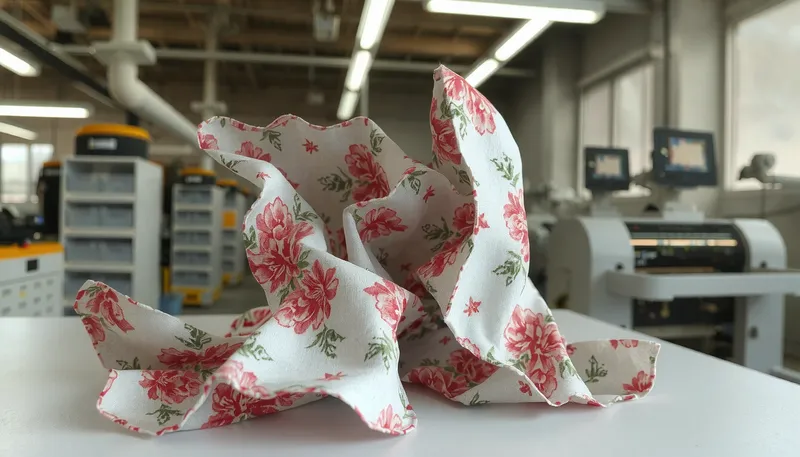
This is why fabric engineering matters. Certain lightweight knits are engineered specifically to solve this problem. One example is the Nylon Interlock D036, manufactured to create a smooth "canvas" surface. Its "One-Open-One-Close" structure combines woven-like strength with knit-like flexibility. The fabric resists warping, making it a stable base for sharp results.
Quick Problem Solving Checklist
While fabric surface is the dominant factor, four other causes account for most remaining digital printing defects: low-resolution source files, clogged or misaligned print heads, static interference, and unprepared fabric. It is recommended to eliminate these before replacing the substrate. It is not suitable to ignore printer maintenance when diagnosing blur.
-
1. Check Your Source File Is your file at least 300 DPI (dots per inch) at the final print size? As mentioned in the guides about What Are the Top 10 Digital Printing Mistakes to Avoid? - VSL Print, a low-quality source file is a prime reason for pixelated images.
-
2. Review Your Printer & Settings Run a nozzle check and print head alignment. Clogged nozzles or misaligned heads are common reasons for bands, streaks, and blur. Also, ensure you set the mode to "high quality" instead of "draft".
-
3. Control Your Workspace Static electricity can be a big issue, especially with synthetic fabrics. As highlighted in the Preventing Static Defects in Digital Printing article, static can shift the ink spray causing a fuzzy "hazing" effect. Proper grounding of machines and humidity control are key factors.
-
4. Fabric Preparation Ensure the fabric is completely dry and free of wrinkles before it goes into the printer. Pre-pressing the material can remove hidden moisture. A flatter, more prepared blank canvas for ink will also be created.
FAQ: You Ask, We Answer On Fabric Printing Problems
What is the minimum quality (DPI) for fabric printing?
Sometimes, a minimum of 150 DPI works. But if you are after really sharp, high-quality output, it is always advisable to use a 300 DPI file at the final print size. The fabric texture can conceal minor flaws. However, the most effective measure is always to use a high-quality input file.
Can I correct a blurry print after it has been printed and cured?
No, this is not possible. A blurry print is a defect that is irreparable and is made during the coating of the fabric with ink. The only way is to stop it from happening. This can be achieved through appropriate file preparation, machine setup, and, most importantly, selecting the right fabric.
What is the difference between "ghosting" and "blurring" on fabric?
Blurring refers to the overall lack of sharpness or the presence of fuzzy edges. Ghosting is a special case where a faint, shadow-like copy of the image appears slightly off to one side. This usually happens when transfer paper or fabric shifts during the heat pressing process.
Does pre-treating fabric help in the prevention of blurry prints?
Yes, this helps a lot. In Direct-to-Garment (DTG) printing, a pre-treatment solution makes a smooth layer of chemicals on the fabric. This makes the ink stick on top of the fibers rather than soaking in. It thus results in sharper lines and livelier colors. It effectively provides that ideal "canvas."
Why do designs look sharp on-screen but blurry when they are printed on fabric?
This is a typical issue which shows the true meaning of the material. A computer screen is an absolutely flat and lubricated surface that absorbs light. Conversely, fabric is a three-dimensional, disarrayed substance that has fibers that can draw and repel ink. Thus, the reason for choosing smooth and durable fabric is essential for printing clarity achieved on screen to be experienced in print.
How do you prevent ink bleeding on fabric prints?
Prevent ink bleeding by printing onto a tight-interlock, low-pill fabric, applying a pre-treatment layer, and confirming the ink chemistry matches the fiber (acid ink for nylon, disperse ink for polyester). Bleeding occurs when loose fibers wick ink away from the drop position — a smooth surface eliminates those wicking channels.
What fabric characteristics prevent digital printing defects?
Three characteristics prevent most defects: a tight interlocking knit structure; a smooth, low-pile surface with minimal loose fibers; and dimensional stability that resists warping during printing. The D036 nylon interlock combines all three through its "One-Open-One-Close" construction.
What is dot gain in digital printing, and why does it blur fabric prints?
Dot gain is the expansion of an ink drop beyond its intended size when it contacts the substrate. On rough fabric, surface "hills and valleys" distort the drop shape, increasing gain, darkening the print, and reducing detail. A flat canvas surface minimizes dot gain and preserves sharp edges.
Conclusion: The Root of a Sharp Print
The fabric is the main actor in most digital printing errors like blurry prints, even when design files and printer settings look correct. Troubleshooting always requires examining the file and printer first, but the starting point for a sharp print is a high-quality canvas — a smooth, stable fabric like D036 is built on exactly these conditions.
Need a fabric engineered for sharp digital printing? Contact our technical team for D036 samples and print trials.
🔗 Related Fabrics
This troubleshooting guide pairs with the vault's printing-process system:
- Digital Printing on Nylon Spandex — Pre-treatment & QC guide for digital printing on nylon
- Acid Dye Printing on Nylon Spandex — Grin-through & color bleed solutions
- Low MOQ Fabric Printing — Acid digital vs sublimation for startups
- D036 Virgin Nylon — The D036 interlock platform behind sharp-print canvases
Written by Wenruo
Textile Engineer, Forall Lab